CLI
Go-cli
A terminal-first utility that surfaces machine and network information through short commands instead of a graphical interface.
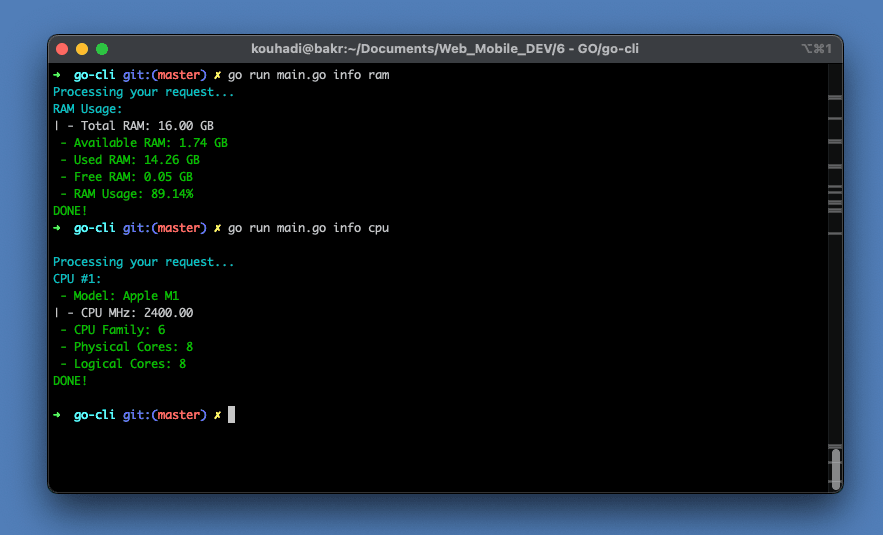
Overview
Go-cli is built in Golang and exposes commands that report practical system details directly in the terminal. Based on the provided usage guide, it supports CPU, RAM, disk, GPU, IP, network information, and ping operations.
The project is designed for users who want quick diagnostics from the command line. Its structure centers on clear subcommands and predictable output rather than visual UI patterns.
Language
Golang
Interface
Command-line application
Version
1.0.0
Install
go get -u github.com/mrkouhadi/go-cli
Highlights
01
Retrieve IPv4 and IPv6 addresses from the terminal
02
Inspect network information and test connectivity with ping
03
Check CPU, RAM, disk, and GPU usage using focused commands
04
Organized command structure suited for repeat terminal usage
05
Useful for quick local diagnostics without opening system panels
Project Notes
Installation
Set up a Go environment first, then install the package with the provided go get command. After installation, the binary can be used directly from the terminal.
Command Structure
The usage examples show two main areas: network commands under net and machine information commands under info. That structure keeps the tool easy to remember and practical to extend.
Practical Use
This tool fits users who want quick system checks during development, troubleshooting, or learning command-line workflows in Go.
Usage
Command Reference
go get -u github.com/mrkouhadi/go-cliVersion
go-cli --versionIPv4
go-cli net ip -v ipv4IPv6
go-cli net ip -v ipv6Network Details
go-cli net infoPing
go-cli net ping -u bing.comCPU
go-cli info cpuRAM
go-cli info ramDisk
go-cli info diskGPU
go-cli info gpuGallery
Project Visuals
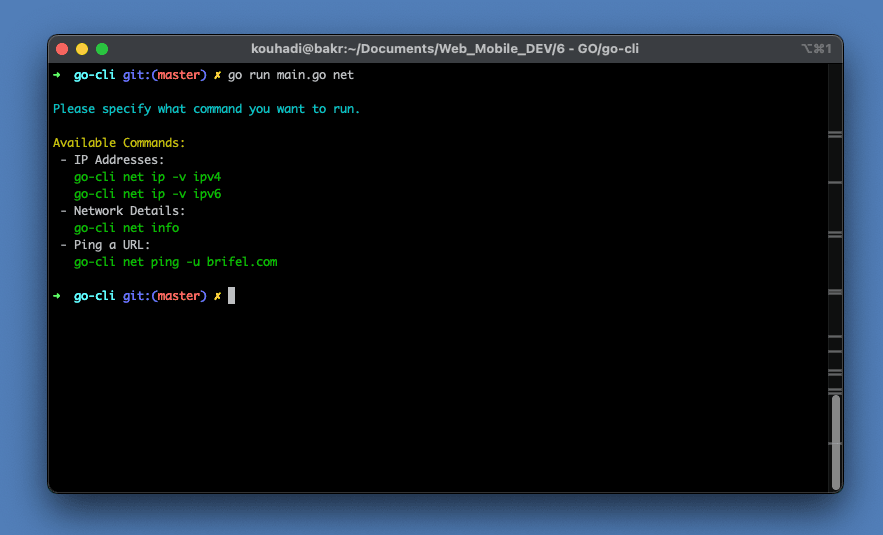
Network commands preview
Preview of go-cli network command output
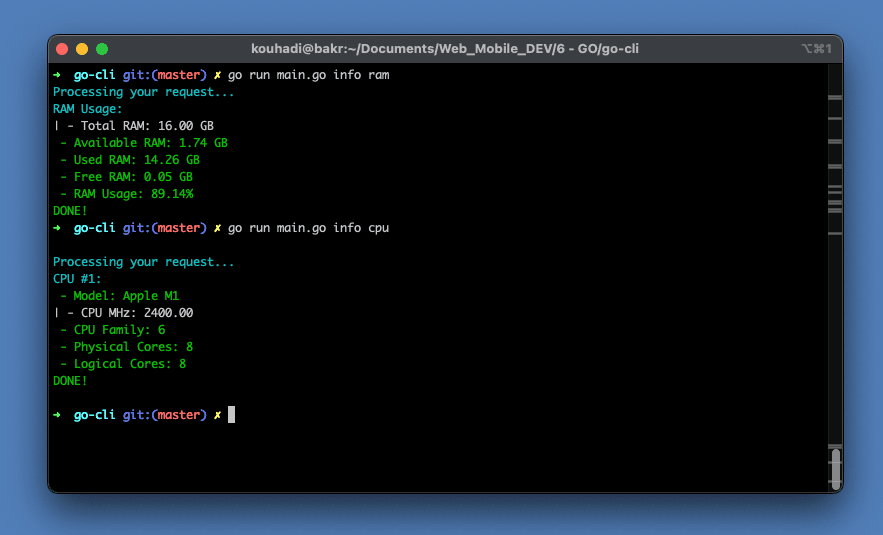
RAM and CPU preview
Preview of go-cli RAM and CPU output
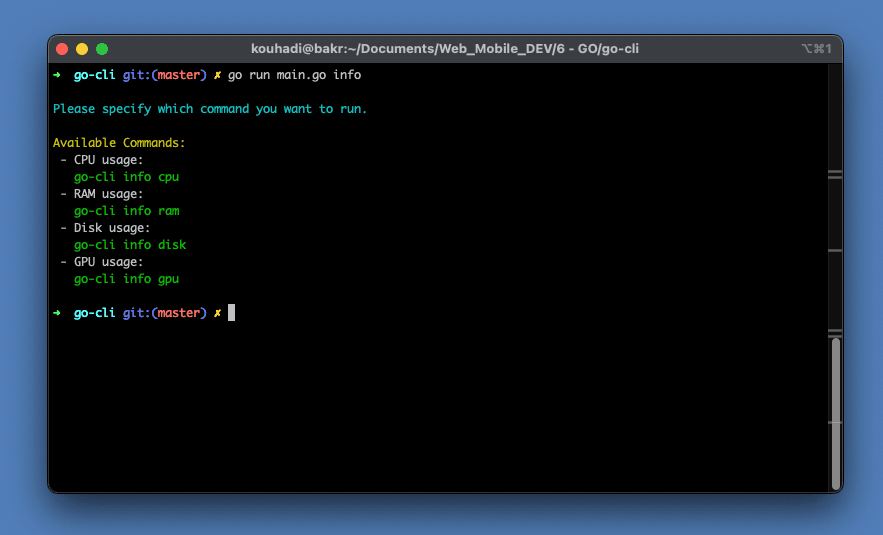
System info preview
Preview of go-cli information output